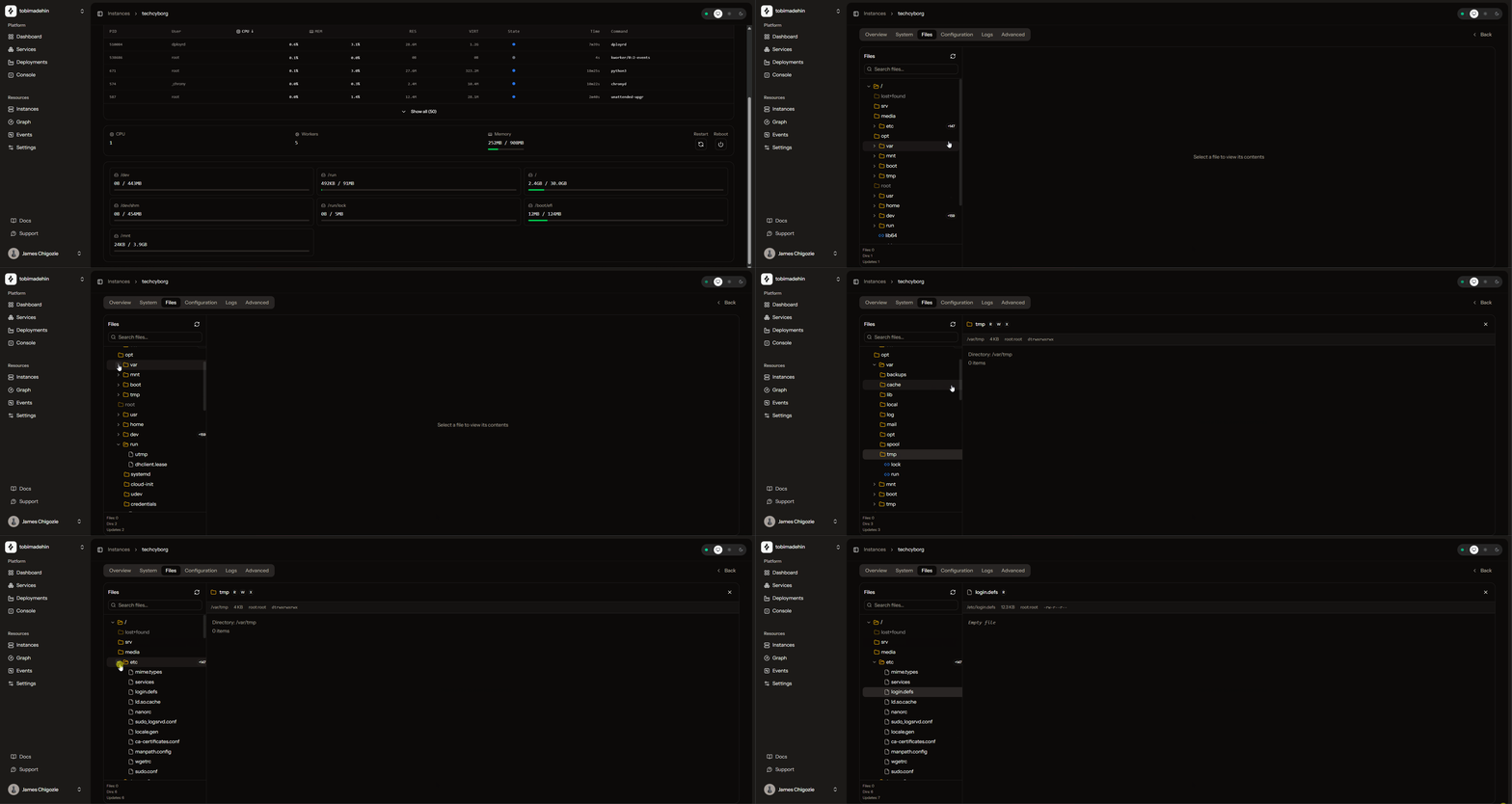
Dployr Web
The Web UI is available at app.dployr.io (source: dployr). It talks to Base, which routes actions to the right VM through dployrd.
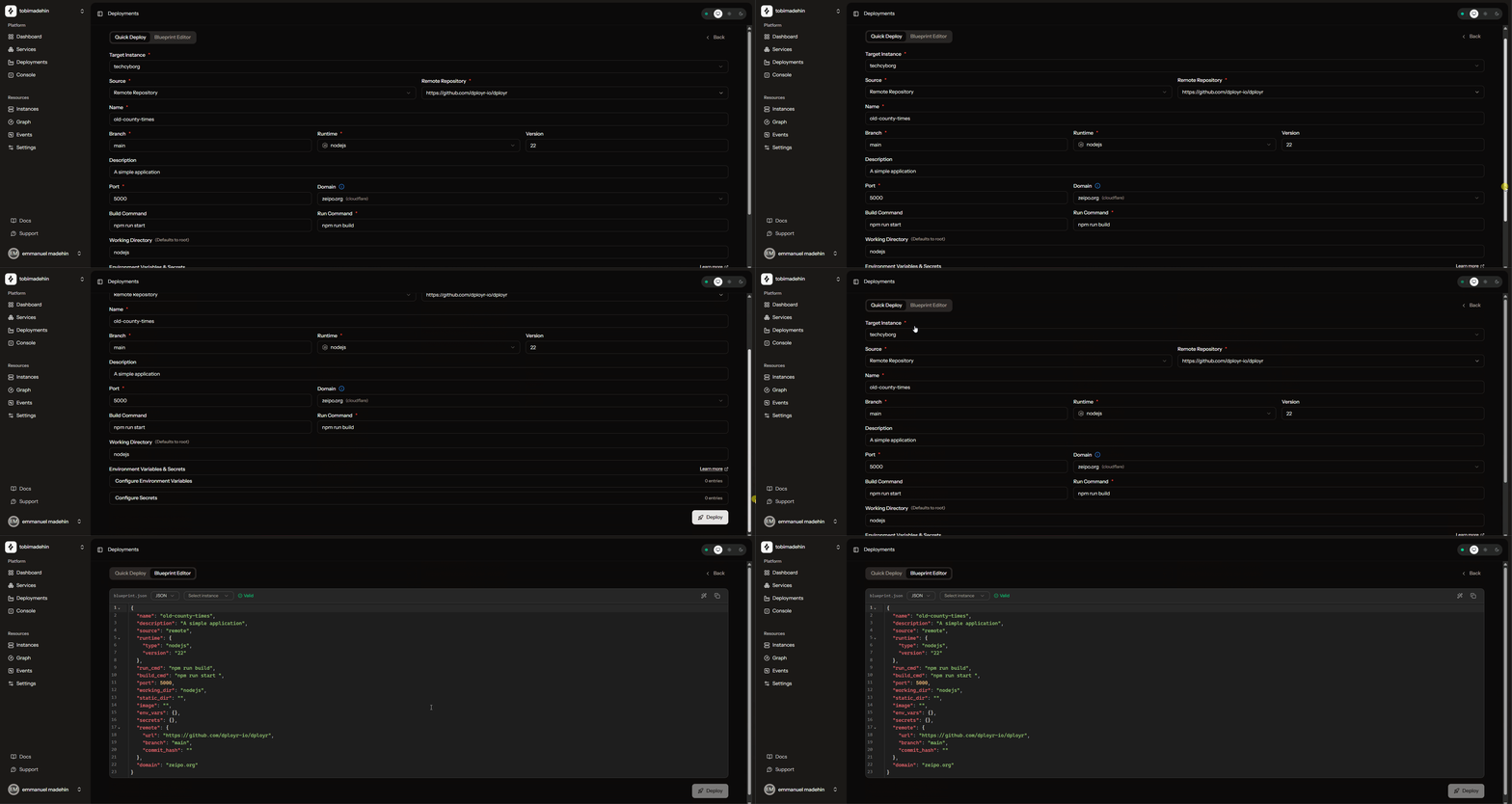
Deploy
Deployments can be configured with a form builder, or defined programmatically as blueprints.
If you want the blueprint format and examples, see Blueprints.
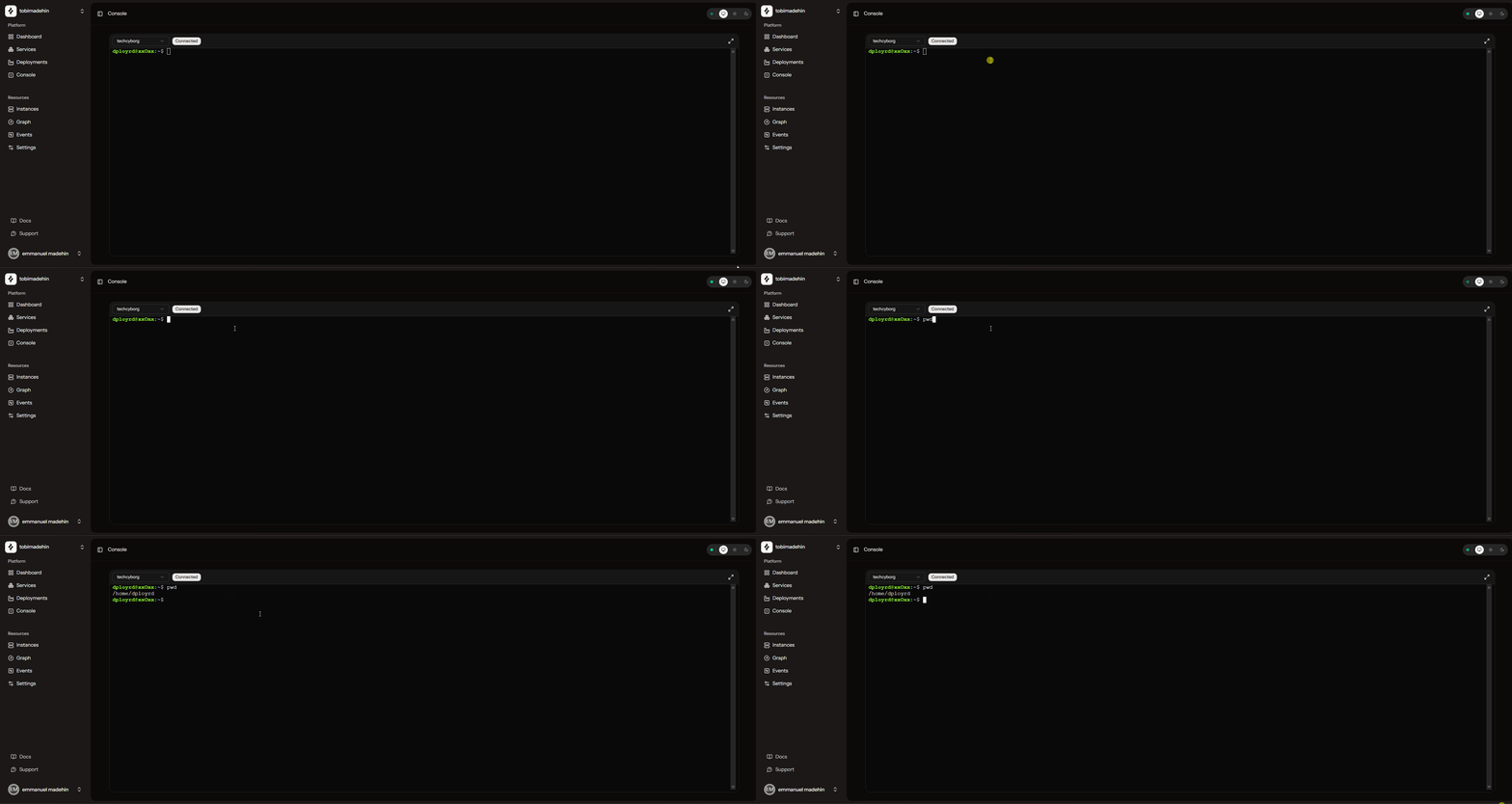
Console
An interactive shell in the browser. It uses the VM’s dployrd connection, so you can open a session without initiating an SSH connection to the VM.
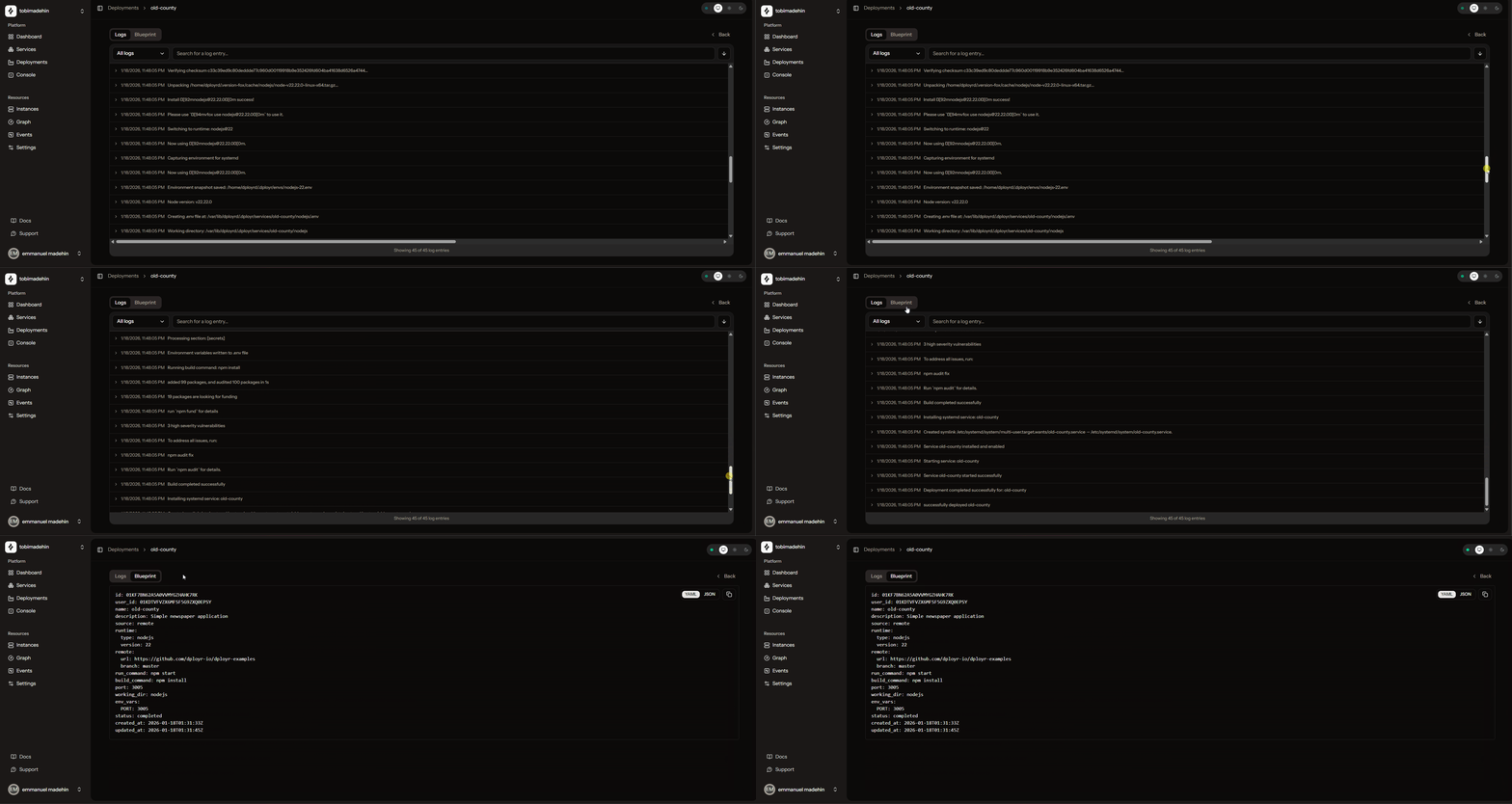
Logs
Logs are streamed over WebSocket.
Graph
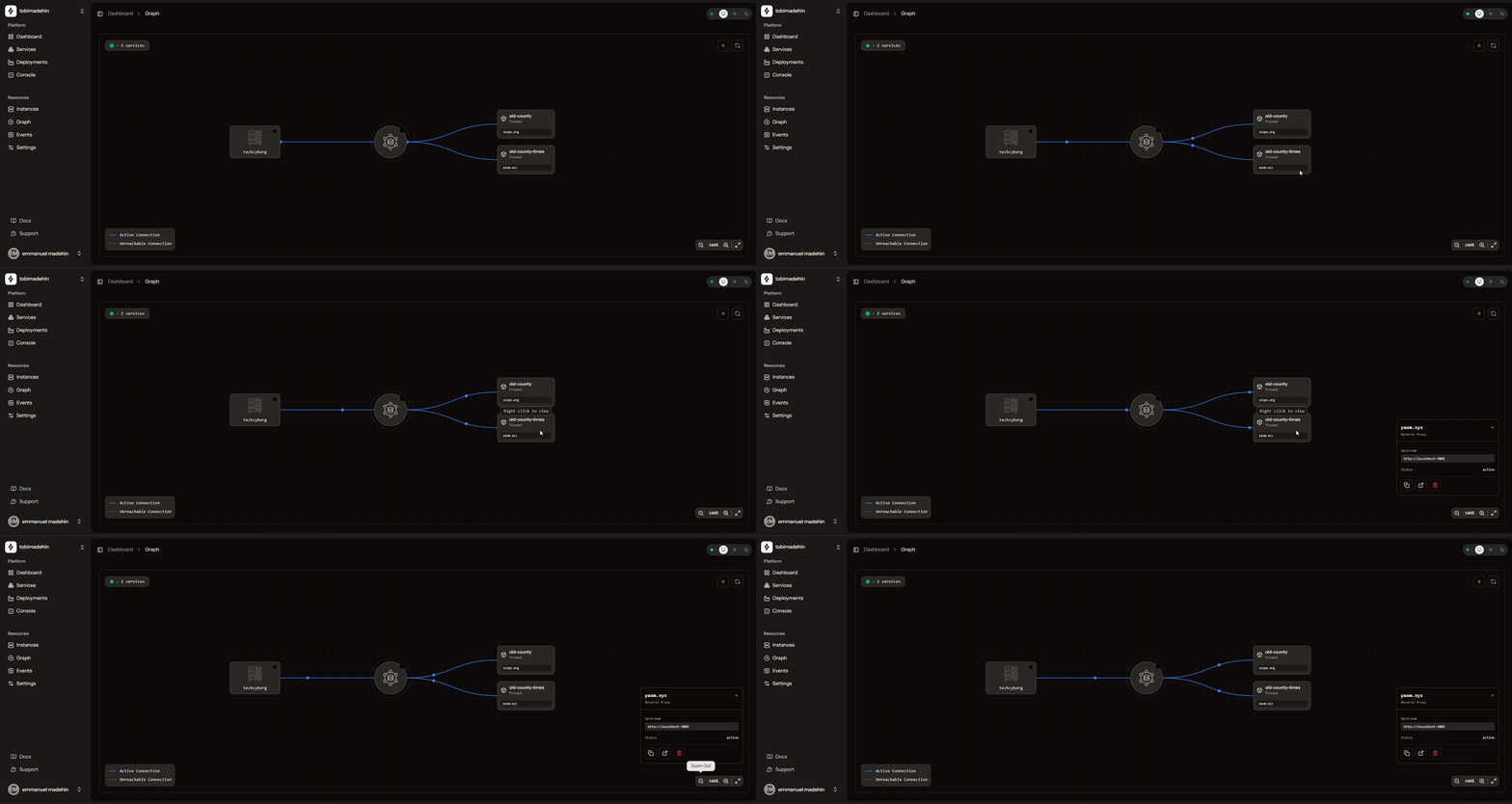
A resource graph showing services, apps, and live connections.
Events
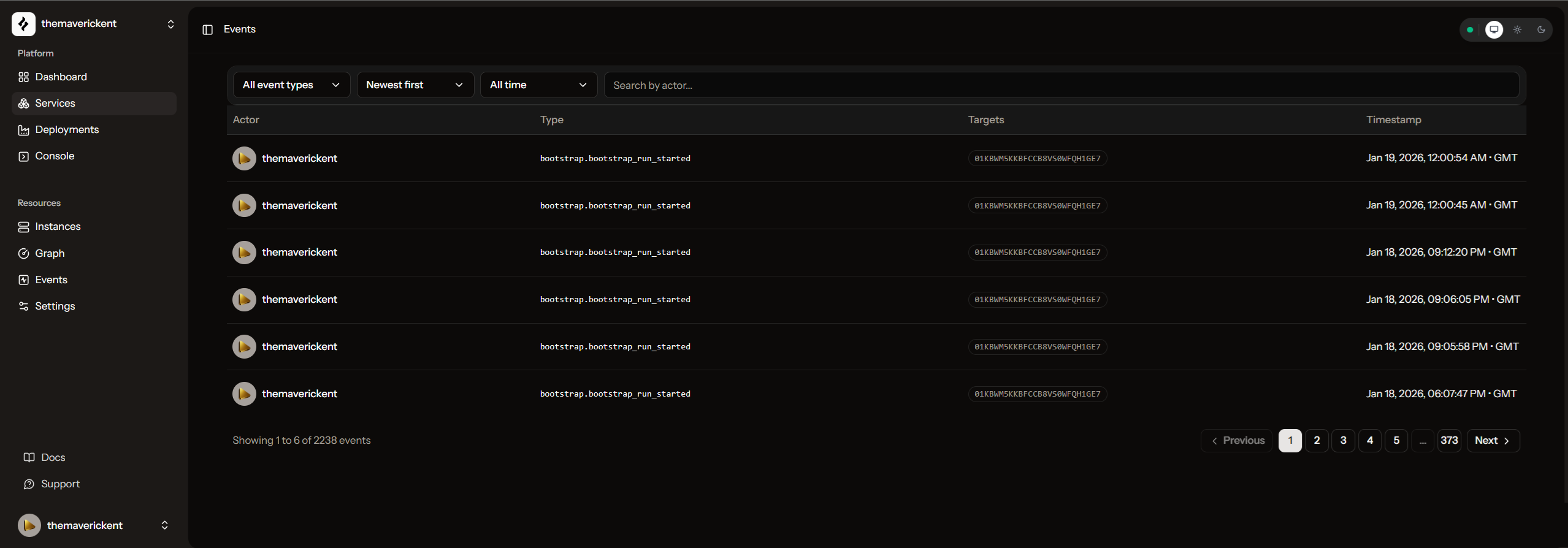
Every important action is recorded as an event. In a team, this pairs with RBAC so you can answer “who did what, and when”.
Process viewer
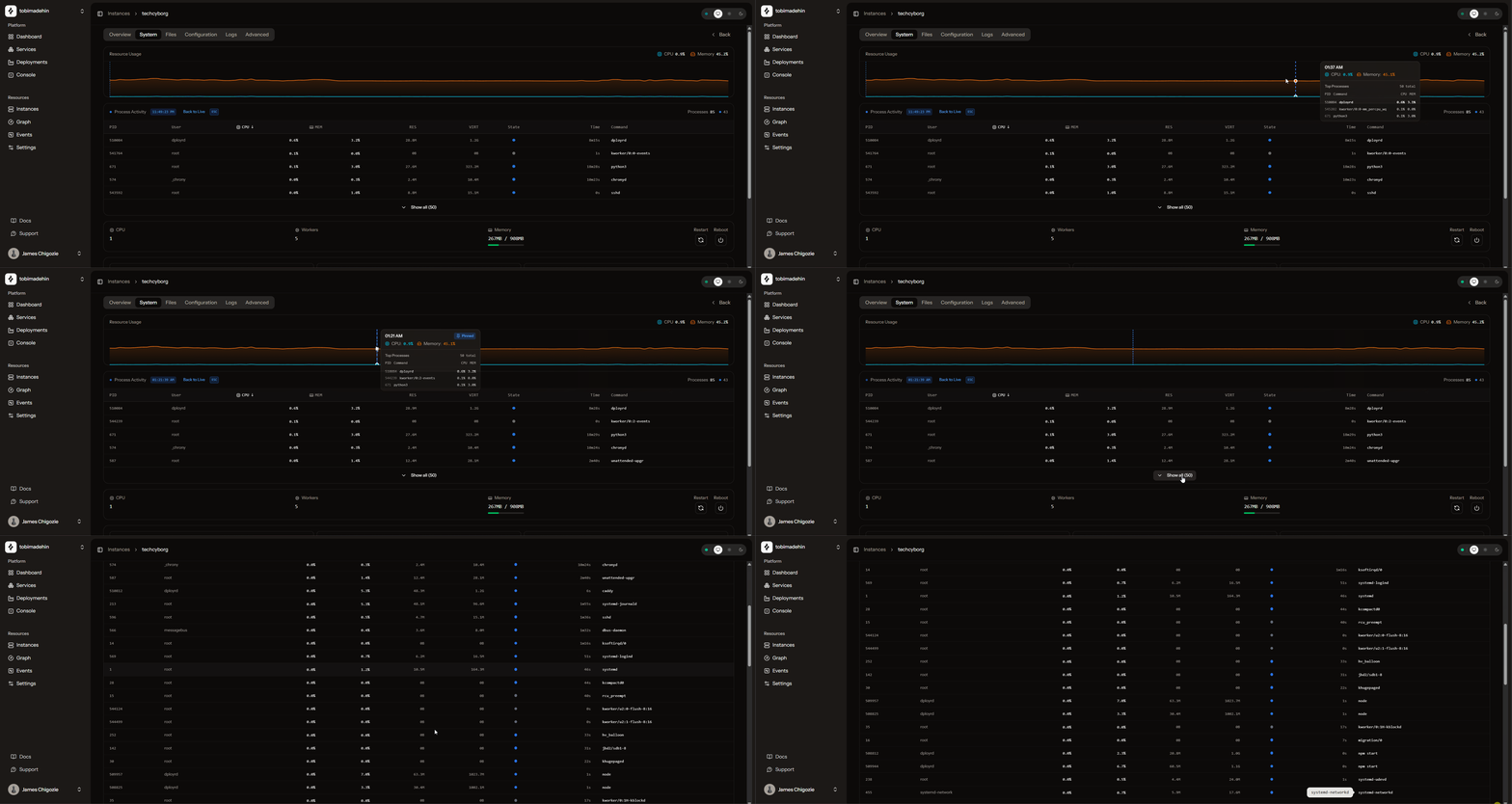
View running processes and system stats from your VM.
File explorer
Browse files on your VM with an interactive file explorer.